
Setting your AC number
Updated 19 August 2026
Your AC number is the membership number Archery Canada or your provincial association issued you. Adding it to your account lets organizers match your entries to your membership.
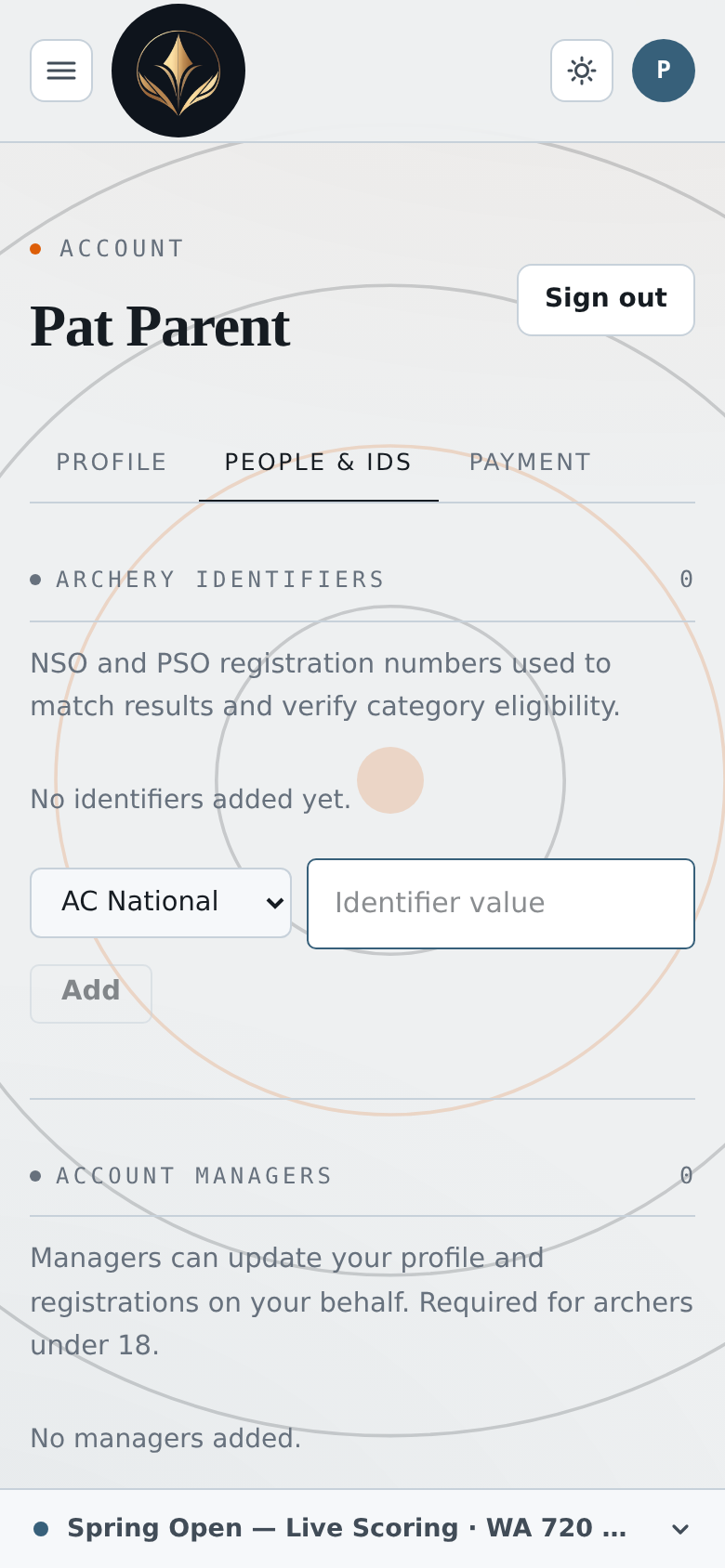
- Open Account from the top bar.
- Choose the People & IDs tab.
- Under Archery identifiers, pick AC National or AC Provincial.
- Type your number and press Add.
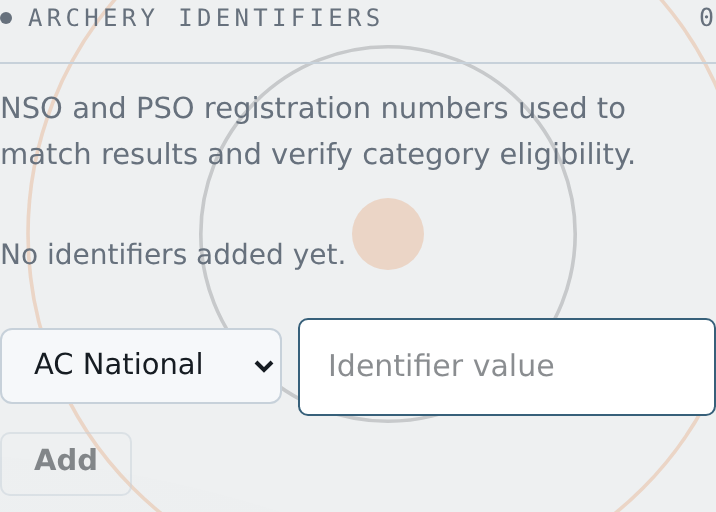
If that number is already on another account, it's still saved — but flagged with a warning. Check the value: an organizer may need to resolve the duplicate.
To take one off, press Remove on its row.